TypeKit is here and as more browsers start to adopt the @font-face rule, I decided to take it for the old free trial spin for BrandonandKimberly.com.
It was easy. I went to their website, signed up, chose two fonts from the free trial selection and specified what domain I will be using them on. The free trial only allows for the use of two fonts on one domain. I then copied the two-line Java call and pasted it into the head of all the site’s pages, then configured the easy-to-use TypeKit editor to specify which font corresponded to which selector in my HTML/CSS of the site, and after a few minutes, I was done.
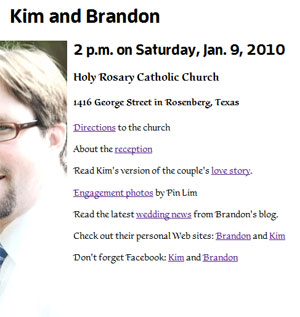
I chose FF Enzo Web
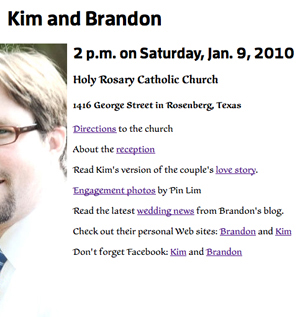
I chose Scrivano
But it doesn’t work in all the browsers I use. Here’s the results of my survey:
Go
MAC
Firefox 3.5.5
Safari*
PC
Firefox 3.5.5
Internet Explorer 8
No Go
Mac
Camino
Google Chrome
Opera
PC
Chrome 3
Internet Explorer 6+7
* Though BrandonandKimberly.com keeps crashing Safari. Doh! Man, I hate that browser.
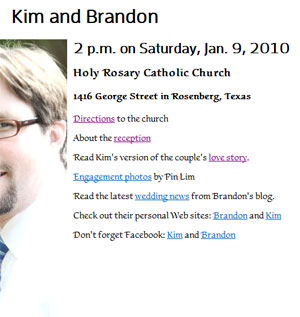
Also, I’m kind of disappointed in the way that various browsers display the fonts I chose.
Check out these screen shots. Discuss.